Rakuten Mobile In-Store Setup Guide
Due to recent policy changes, it's now very difficult for foreigners to sign up for a Japanese phone plan online — not just Rakuten Mobile, but all carriers. The only reliable option for foreigners right now is to visit a store in person. The good news: if you book an appointment in advance, you can usually get everything done on the same day!
Pricing Plan
Your monthly fee automatically adjusts based on how much data you use
How to Book & Visit
Create a Rakuten Account
If you don't have one yet, you can sign up for free using the link below.
Create Account & Enter CampaignVisit the Link & Log In
Once your account is ready, go back to the same link and log in.
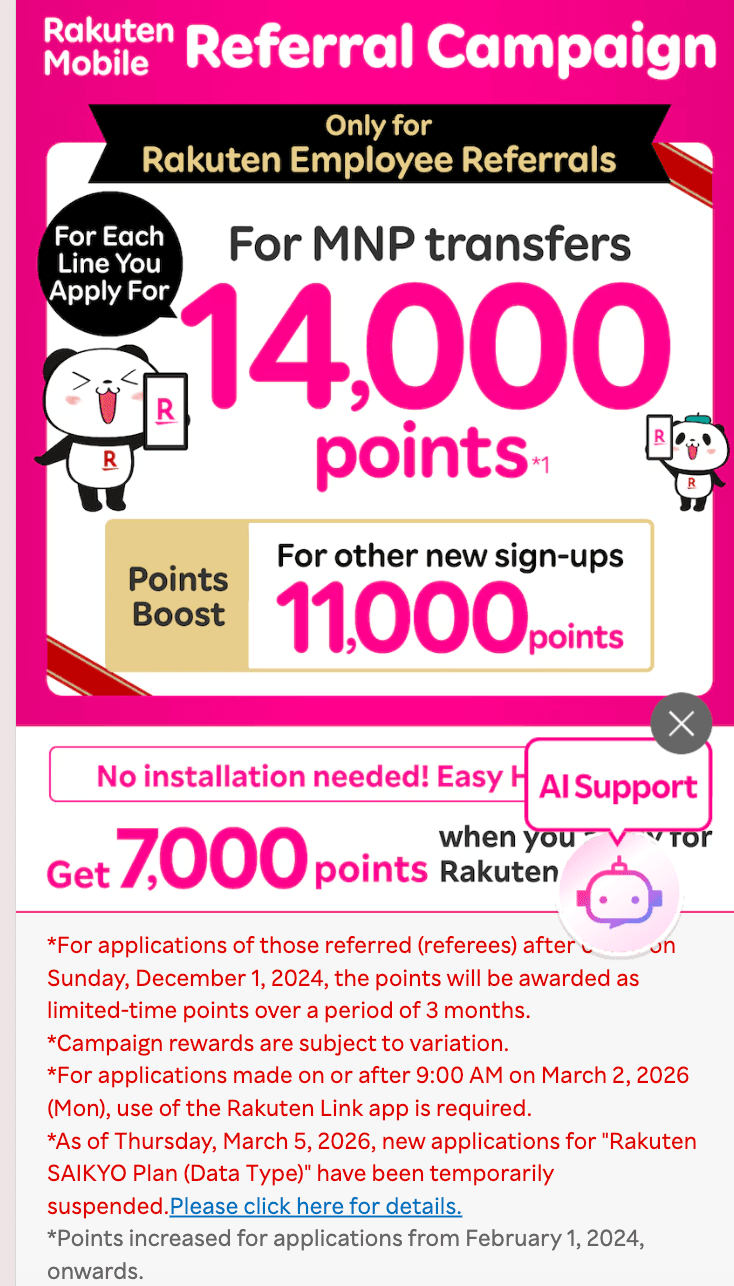
Click "Find a near shop"
Scroll down the page and click the "Find a near shop" button.
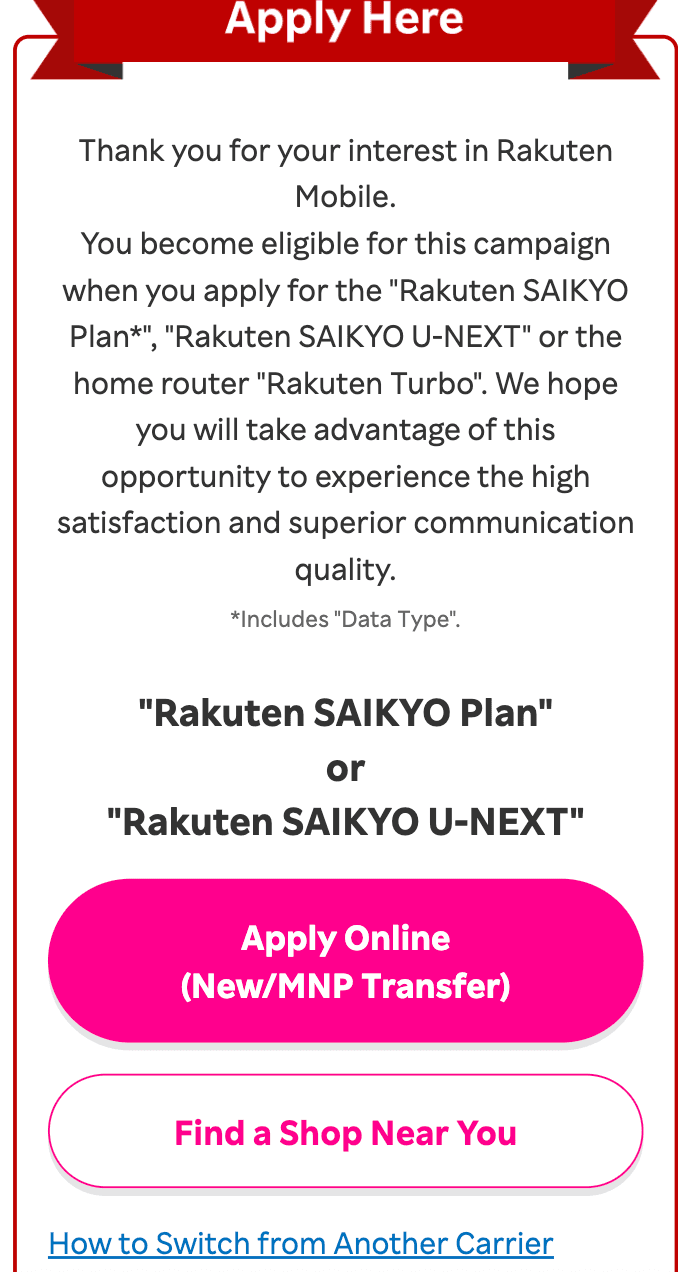
Search by Prefecture
In the "Search by Prefecture" section, you can look for stores near your home or any area you prefer.
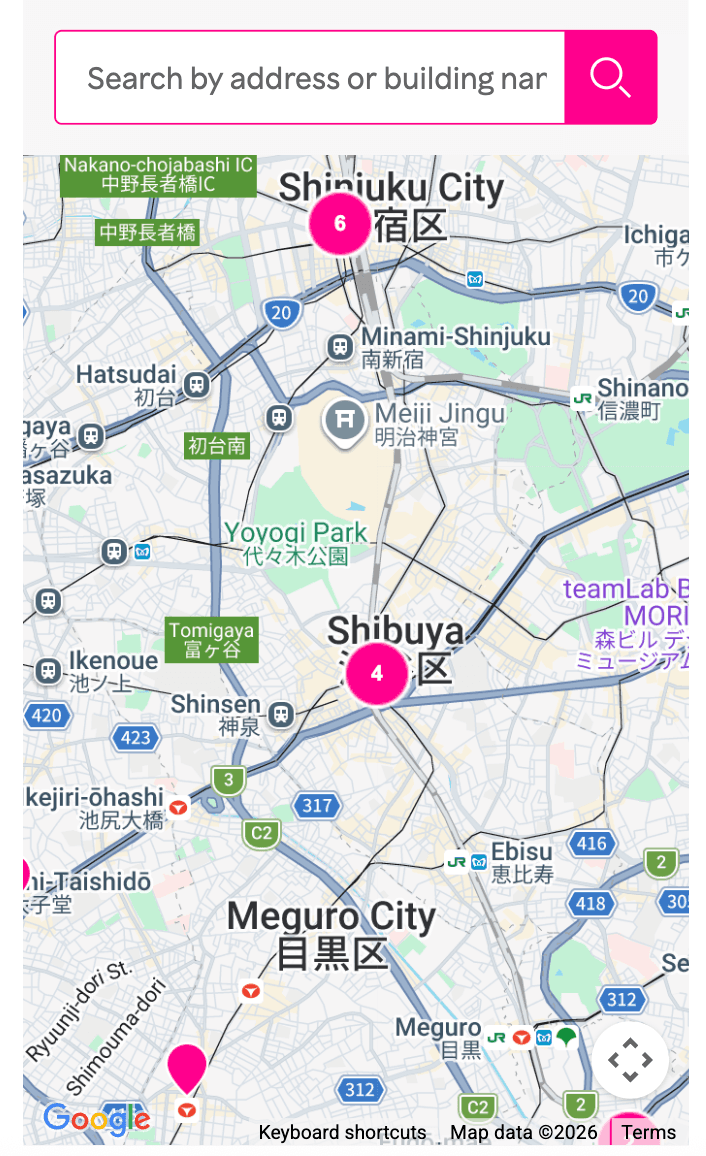
Select a Store & Book
Tap a marker on the map to see nearby stores. Choose one and proceed with your booking.
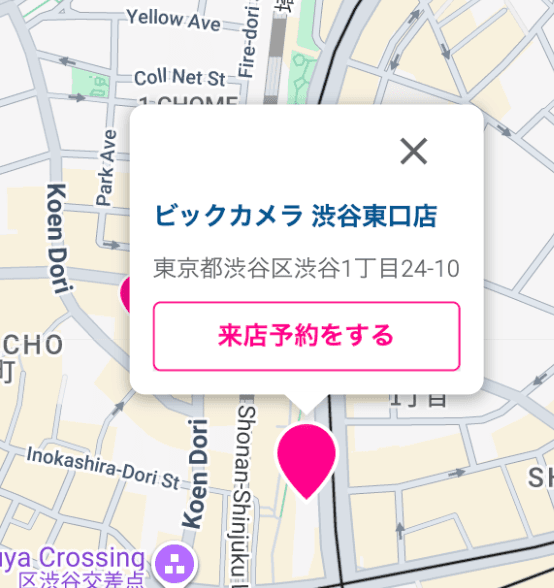
Choose Your Type & Fill In Details
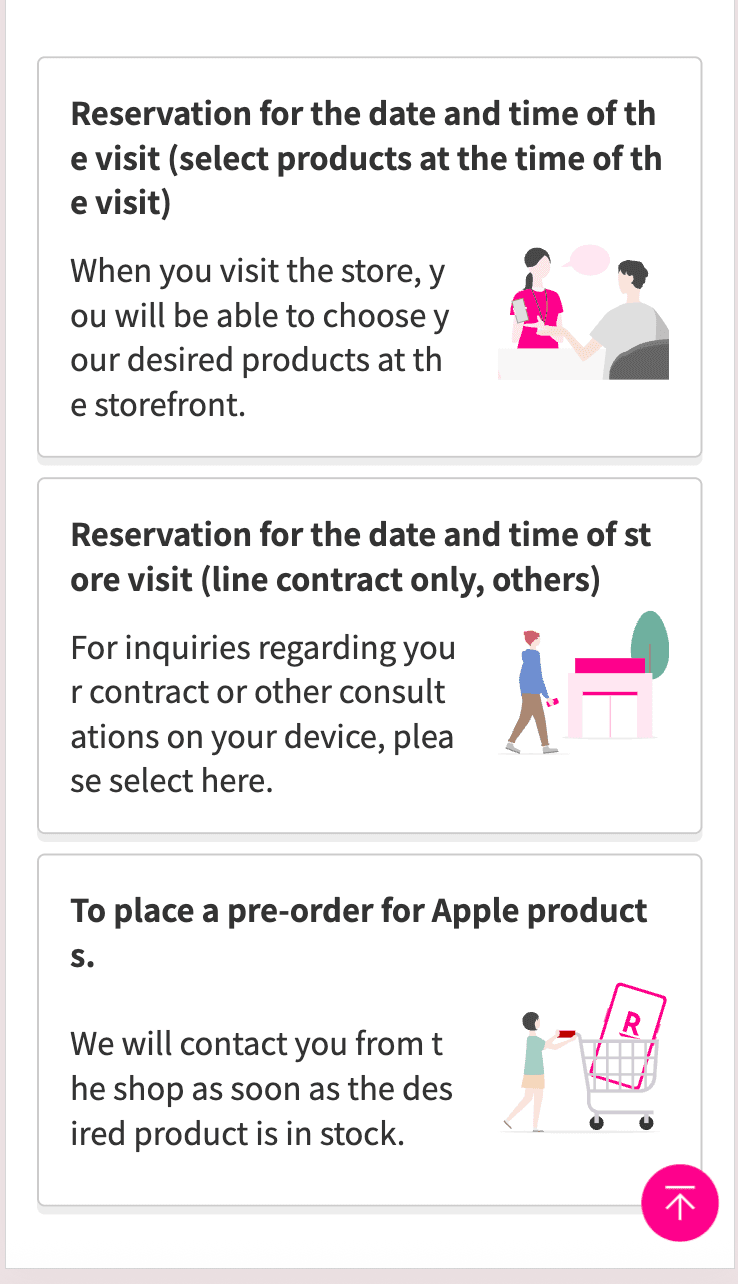
Select from 3 options, fill in your information, and confirm. A confirmation email will be sent to you.
Required Documents
- ✓Passport
- ✓Residence Card (address must be written on the back)
- ✓Credit Card
- ✓Juminhyo (住民票 — resident registration)
Please confirm you have all documents before visiting the store
How to Get Your Bonus Points
- 1Install the Rakuten Link app
- 2Make a call for 10+ seconds (domestic calls are free)
- 3Receive your points (from the 4th month after activation)
Download the App
Customer Support
050-5434-4653
Call via the Rakuten Link app → wait 10 seconds and hang up